Enemy Party†
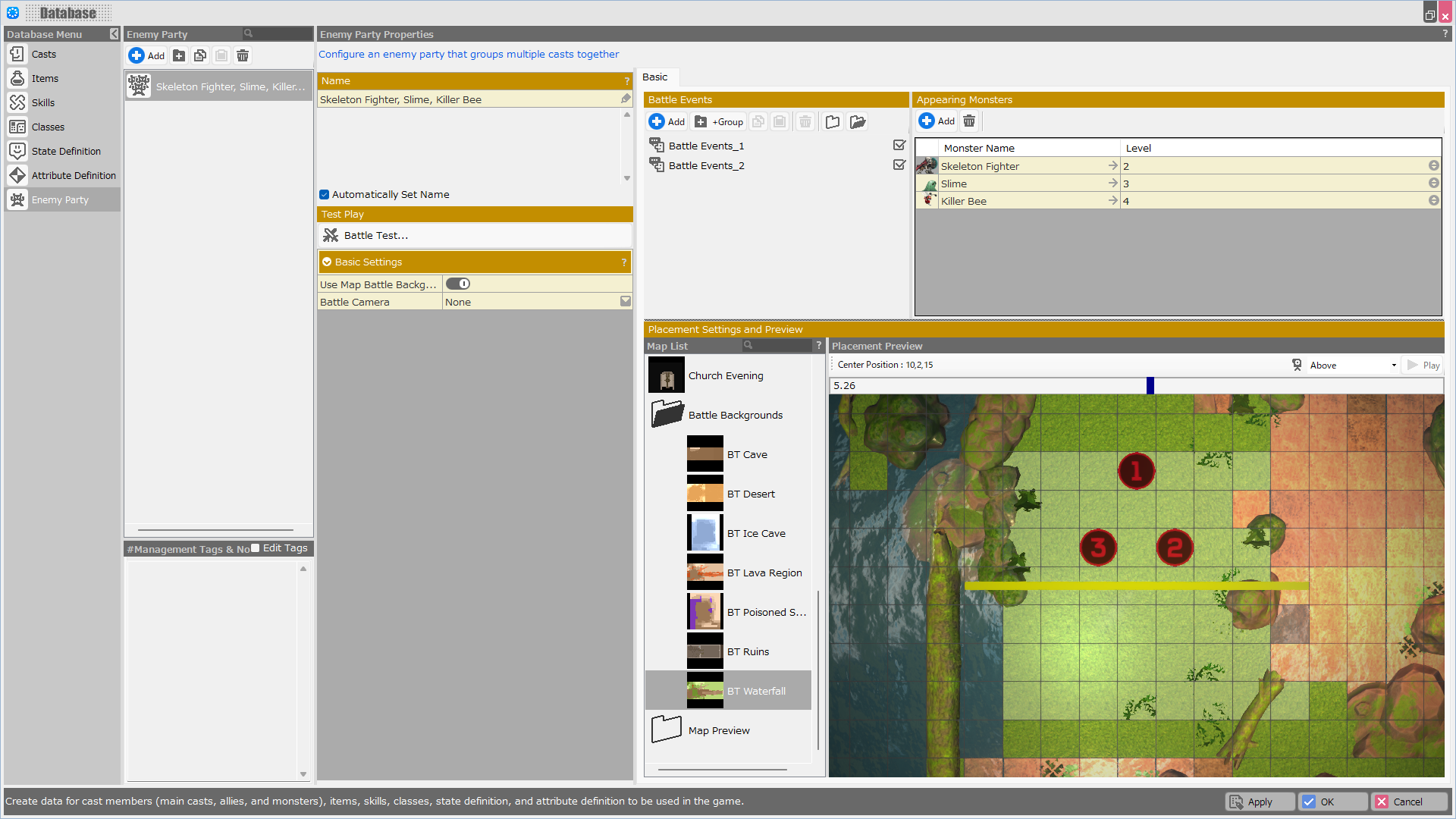
“Enemy Party” allows you to group multiple enemies together for battle management.
You can assign battle events to each individual enemy party and specify dedicated battle cameras for them.
Feature Description†
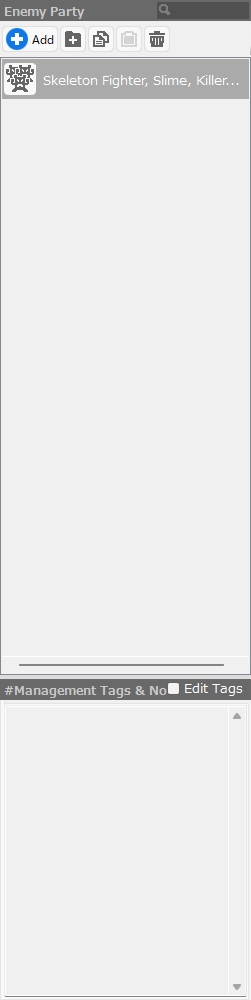
Enemy Party List†
- Add Folder
Create a folder.
- Copy
Copy the data of the selected enemy party.
- Paste
Paste the copied enemy party data into the last row.
- Delete
Delete the enemy party's data.
- Management Tag + Notes
You can add management tags or jot down notes.
To register a tag, start the line with a #. Tags and notes entered in this field will not be displayed during gameplay.
(!)When adding multiple tags, please set them without spaces.
If you set it as #atk#def, it will display regardless of whether you filter by #atk or #def.
When you leave a space like #atk #def, filtering by #atk will exclude #def, and #def will only appear when filtered by #def.
Enemy Party Properties†
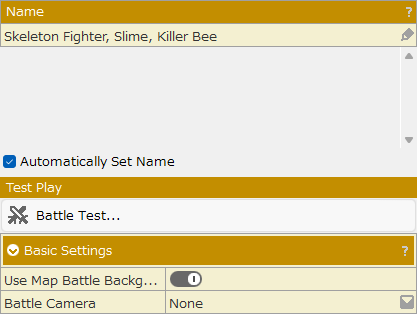
- Name
This is the name of the enemy party.
A list of monster names that will appear automatically will be entered here.
You can also write a description for the enemy party.
- Automatically Set Name
Unchecking this box will allow you to freely rename the enemy party.
Battle Test†
Execute the battle test.
Basic Settings†
- Use Map Battle Background
When turned on, only the monster placements created on this screen will be used during battles, and the battle background will utilize the map specified by the Enemy Distribution settings.
- Battle Camera
Specify the battle camera to use during battles against this enemy party.
Enemy Party Properties: Basic†
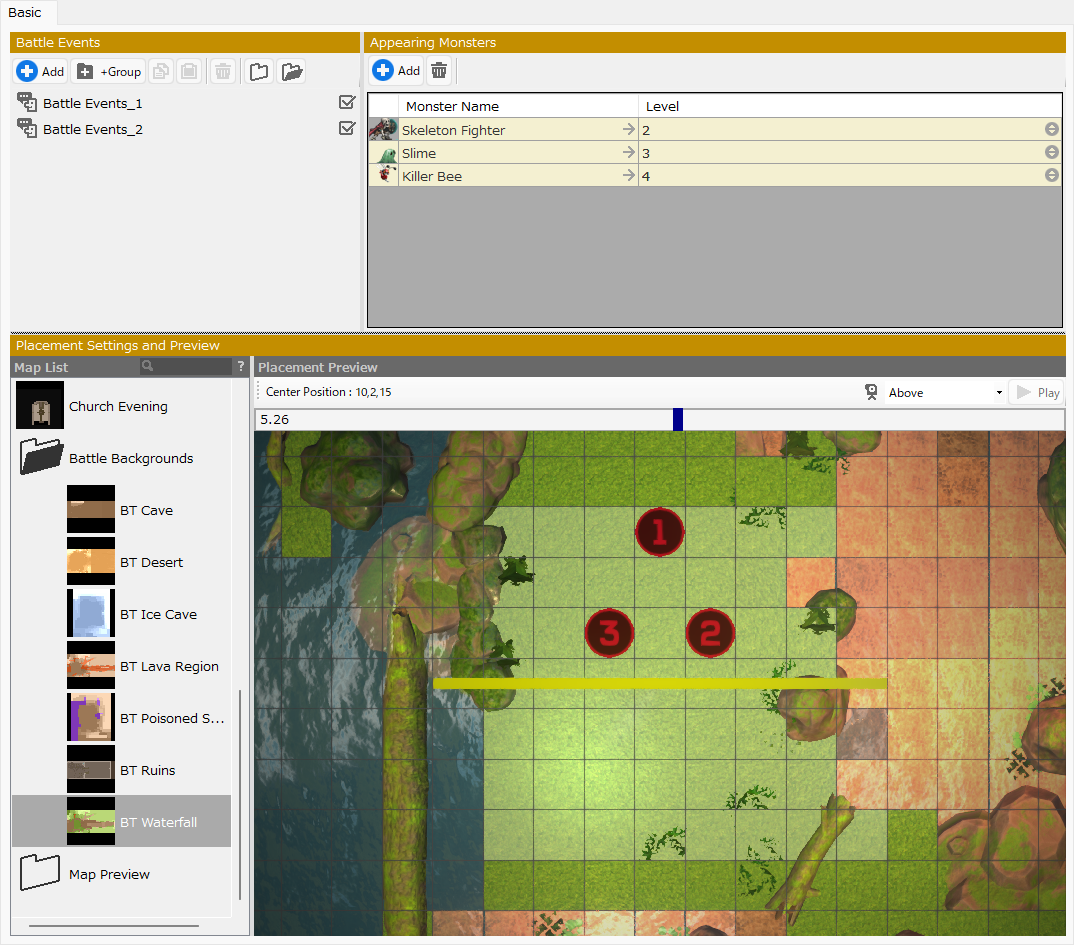
Battle Events†
- Add
Add a battle event.
- Group
Create a folder.
- Copy
Copy an entry.
- Paste
Paste the entry.
- Delete
Delete the entry.
- Close All Folders
Close all folders.
- Open All Folders
Open all folders.
Appearing Monsters†
- Add
Add a monster to the enemy party.
- Delete
Delete the selected monster from the enemy party.
Placement Settings and Preview†
Configure the background map and battle layout for encounters with this enemy party.
- Map List
Select the map to serve as the battle background.
- Placement Preview
Configure the battle layout to specify enemy spawn positions on the map.
![[PukiWiki]](./skin/BAKIN_logo_92.png "[PukiWiki]")