What you can do with the Resource Menu "Texture"†
In the Resource menu, under Texture, you can configure detailed settings for textures.
Texture Setting Options†
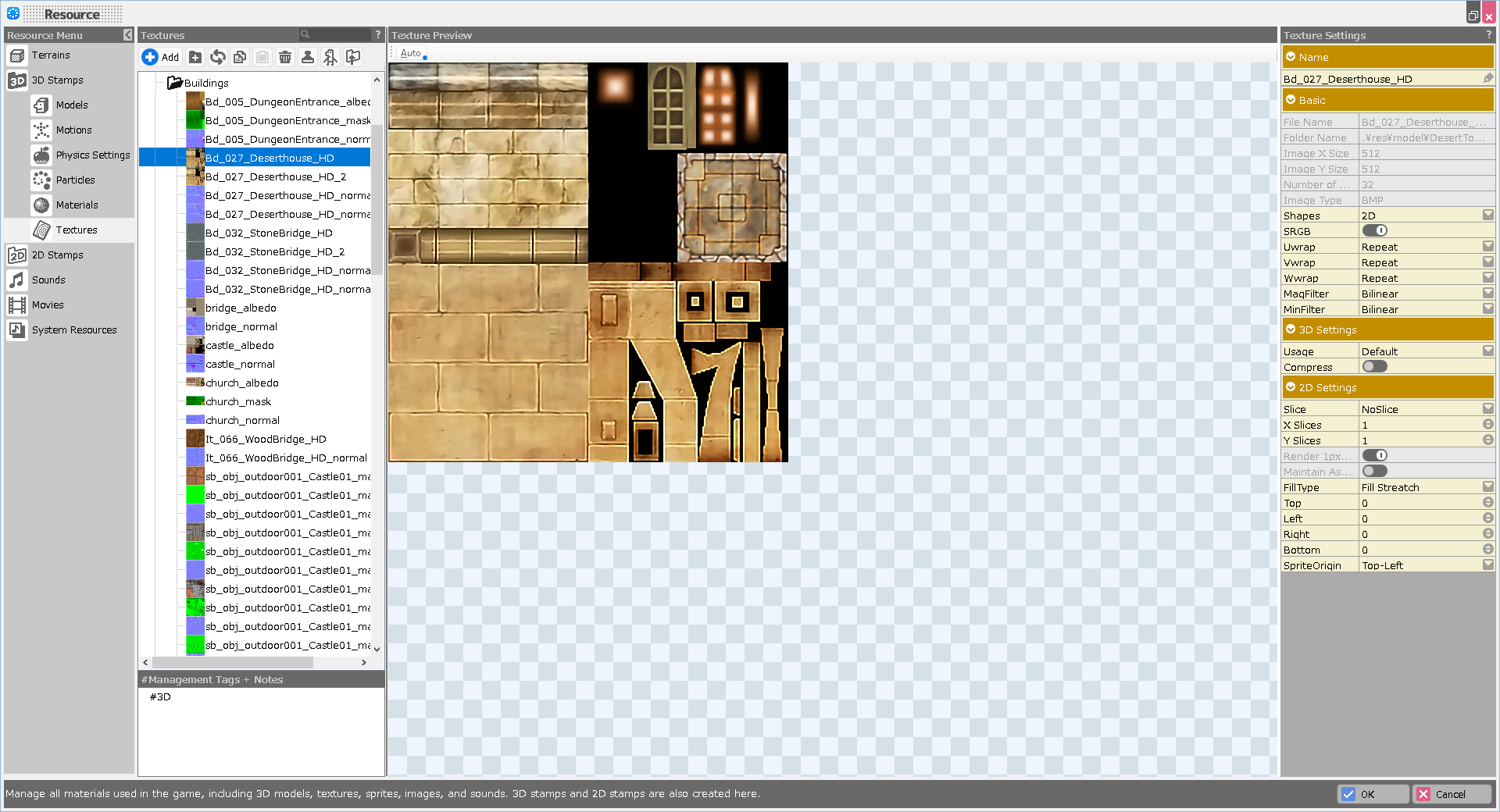
- Texture List
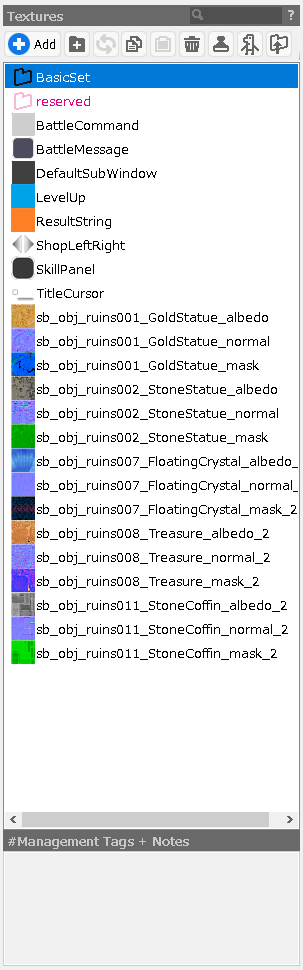
This is a list of registered textures.
Add textures to be used in 3D models.
Depending on the type of texture, you will need to change the settings, but basically, the necessary settings are automatically specified by the _albedo, _normal, and _mask file name strings that come with the texture name.
- Add Button
Select the texture you wish to register from Explorer.
- Folder Button
Add a folder for management.
If there are any selections, include them and make them into a folder. (Multiple selections allowed)
Data can be moved by drag and drop after adding folders.
- Update Information Button
Update data.
When data is added, the folder path where the data was located is saved, so pressing this button will update the data from there.
If the data is from a game file created by another PC, the first time you click on it, you will be asked if you want to specify the path from which you want to import the data.
Use this feature if you wish to place data for editing in a folder outside of the project.
- Copy Button
Copy the selection.
- Paste Button
Paste the copied selection.
- Trash Button
Delete the selection.
- Stamp Button
Register the selection as a stamp.
- 2D Animation Button
Basically, it is used for dot cast images.
Generate a 2D animation from the selected texture.
The generated animation will be added to "2D Stamps > Slice Animation".
- Export Button
Copy the selections to any folder.
Texture List / Right-Click Menu†
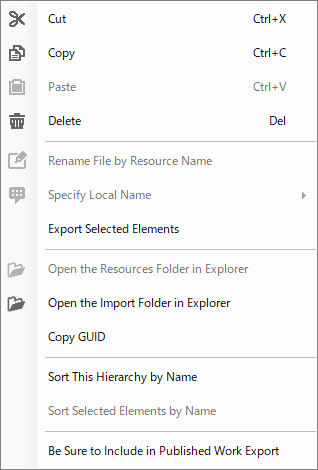
Right-click in the texture list to view.
- Cut
Cut the selected files.
- Copy
Copy the selected files.
- Paste
Paste the cut and copied files.
- Delete
Delete the selected files.
- Rename File by Resource Name
Rename the specified file with the name currently on the list.
- Specify Local Name
Folder name localization function.
English folder names can be specified when opening in the English version.
- Export Selected Elements
Export the selected elements as an .exrbr file. If multiple selections are made, they are combined into one file.
The .exrbr file is a file format that allows various resources to be compiled and imported into Bakin.
- Open the Resources Folder in Explorer
Open the folder where the resource is stored.
- Open the Import Folder in Explorer
Open the folder for import. (If there is a folder for updating data specified with the Update Information button)
- Copy GUID
Copy the specific GUID.
- Sort This Hierarchy by Name
Sort alphabetically by name within the selected hierarchy/folder.
- Sort Selected Elements by Name
Sort only on multiple selections.
- Be Sure to Include in Published Work Export
Ensure that the selected resources are included in the work when it is exported as a published work.
(!)When exporting a work as a published work, resources other than “resources used in the game,” such as those placed on maps or used in events, will not be included in the work.
Therefore, resources that are used only by plug-ins installed in the work must be explicitly included in the work with this feature.
Texture Preview†
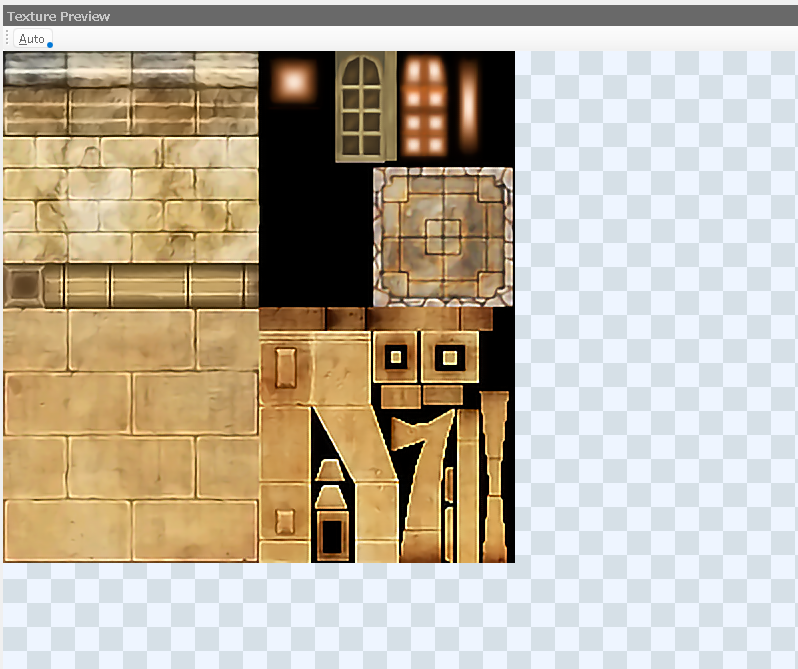
This preview screen is used to check textures.
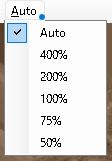
- Auto Button
Specify the preview size.
Texture Settings†
Specify detailed texture settings.
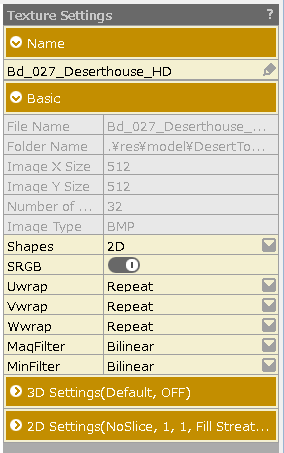
- Name
Specify a name for the texture.
(You can also change it by clicking twice on the file you want to change in the texture list.)
- Basic
- File Name
The file name of the texture specified.
- Folder Name
The folder name and folder path of the specified texture.
- Image X Size
The horizontal pixel size of the texture.
- Image Y Size
The vertical pixel size of the texture.
- Number of Bits
The number of bits in the texture.
- Image Type
Texture image format.
- Shape
Specify the texture to be used for the texture.
[2D] Select when using a general texture.
[Cube] Select this option to be used for environment maps and IBL (Image Based Lighting). The texture used in Cube must be in hdr format.
[3D] Select to use as LUT for color grading.
- SRGB
SRGB must be turned on for textures that are used as color information, such as color textures and albedo textures.
If the texture file name has "_albedo", it is automatically turned on.
- Uwrap (Vwrap/Wwrap)
Repeat setting.
- MagFilter (MinFilter)
Specify the interpolation method when zooming in or out.
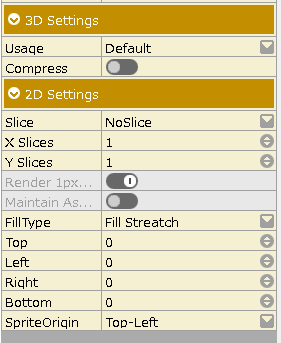
- 3D Settings
This option is specified when the texture is used as a 3D asset.
- Usage
Specify according to the texture type.
[Default] Select this option for regular textures.
[Normal] Select this option for normal maps.
[2D] Select this option if you want to use the image as a 2D asset.
- Compress
Compress the texture and use it in the 3D model.
Turning it on with large size textures (2048 and up) is effective for load reduction.
- 2D Settings
This option is specified when the texture is used as a 2D asset.
These settings are for 2D assets only.
For more details, please refer to "Image" in the 2D menu.
![[PukiWiki]](./skin/BAKIN_logo_92.png "[PukiWiki]")