Terrains†
In the "Terrain" section, you can create and set various " Terrain Stamps" which are used to create the ground of maps.
You can import images to create new "Terrain Stamps" and specify various attributes of the terrain, such as Traversable or Non-Traversable.
Terrain Stamp List†
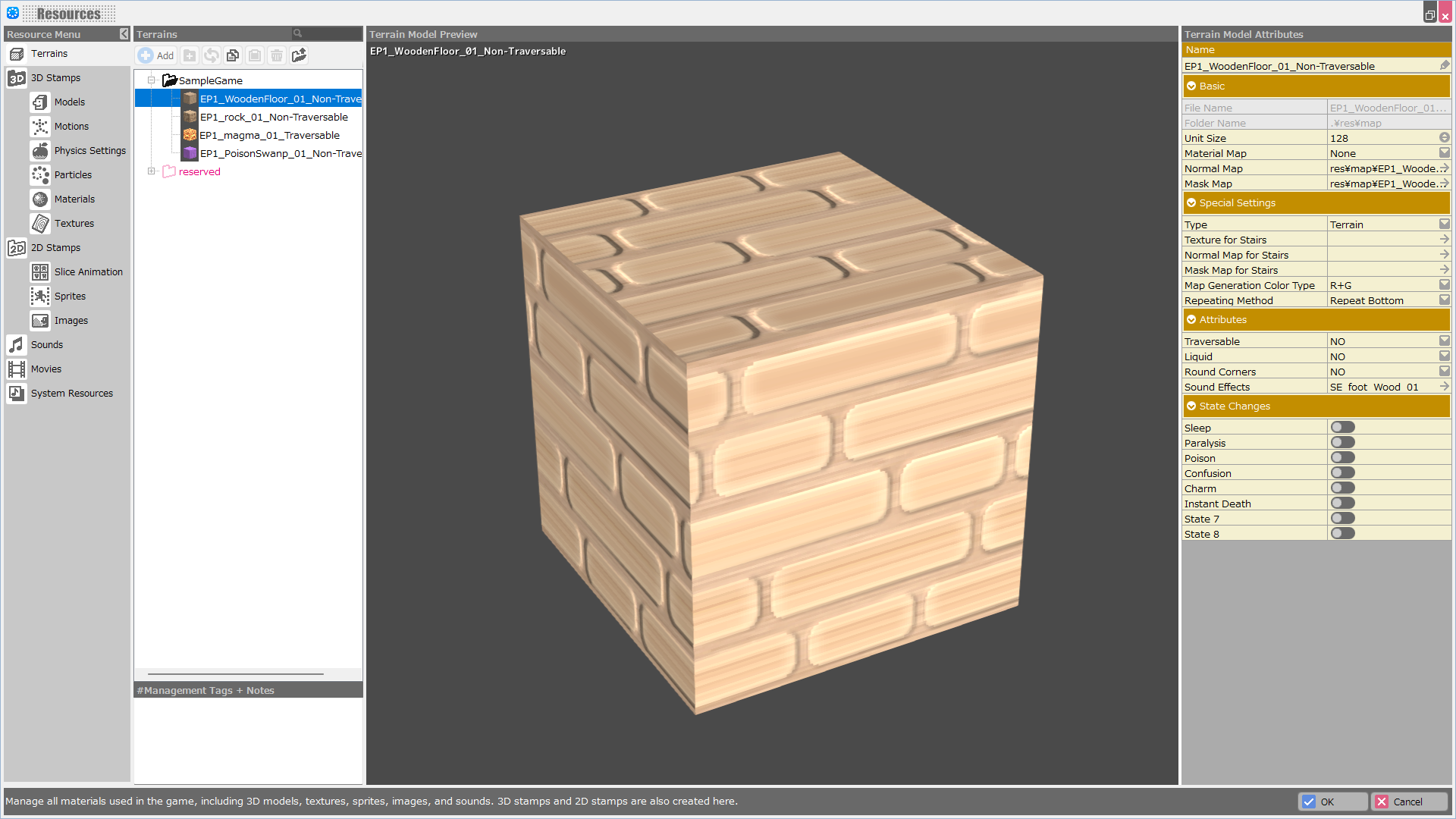
This is a list of registered terrain stamps.
The stamps registered in this list will be reflected in the stamp list in the Map Editor.
- Add Button
Load the image to create the "Terrain Stamp".
For details on the specifications of the "Terrain Stamp" asset, please refer to [Assets - Terrains].
- Folder Button
Add a folder to manage stamps.
Multiple selected stamps can be grouped into a folder, and stamps can be moved by drag & drop after adding a folder.
- Copy Button
Copy the selected stamps.
- Paste Button
Paste the selected stamps.
- Trash Button
Delete the selected stamps.
- Export Button
Copy the selections to any folder.
Terrain Stamp List / Right-Click Menu†
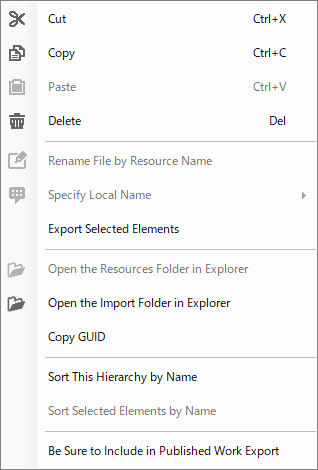
Right-click in the Terrain list to view.
- Cut
Cut out the selection.
- Paste
Paste the cut and copied selections.
- Delete
Delete the selections.
- Rename File by Resource Name
Rename the resource file with the name currently on the list.
- Specify Local Name
Valid only when a folder is selected.
Folder name localization function.
English folder names can be set when opened in the English version.
- Export Selected Elements
Export the selected elements as an .exrbr file. If multiple selections are made, they are combined into one file.
The .exrbr file is a file format that allows various resources to be compiled and imported into Bakin.
- Open the Resources Folder in Explorer
Open the folder where the resource is stored.
- Open the Import Folder in Explorer
Open the folder for import. (If there is a folder for updating data added with the Update Information button)
- Copy GUID
Copy the specific GUID.
- Sort This Hierarchy by Name
Sort alphabetically by name within the selected hierarchy/folder.
- Sort Selected Elements by Name
Sort only on multiple selections.
Terrain Model Preview†
This is the preview screen of the terrain stamp.
You can change how the preview looks by using the right-click menu in the preview.
Terrain Model Attributes†
This section provides detailed settings for the terrain stamp.
- Name
Specify a name for the terrain stamp.
(You can also change it by clicking twice on the entry you want to change in the terrain list.)
- Basic
- File Name
File name of the image from which the terrain stamp will be created.
- Folder Name
The name of the folder containing the original terrain stamp image.
- Unit Size
The size of the terrain texture can be changed between 2 and 128 pixels.
Change it to match the texture you have created.
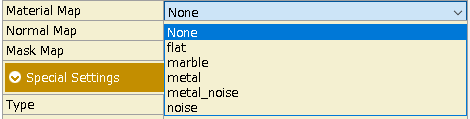
- Material Map
You can select a texture from the presets prepared in advance.
Even if you do not have a mask map, you can use this preset to add some texture.
[None] No material map is used.
[flat] Matte texture
[marble] Smooth texture like marble
[metal] Metal
[metal_noise] Metal + rough texture
[noise] Matte and rough texture
- Normal Map and Mask Map
If a normal or mask map is ready, specify them here.
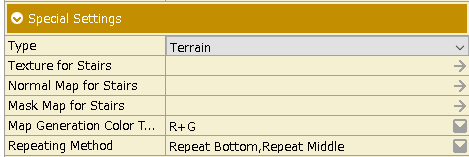
- Type
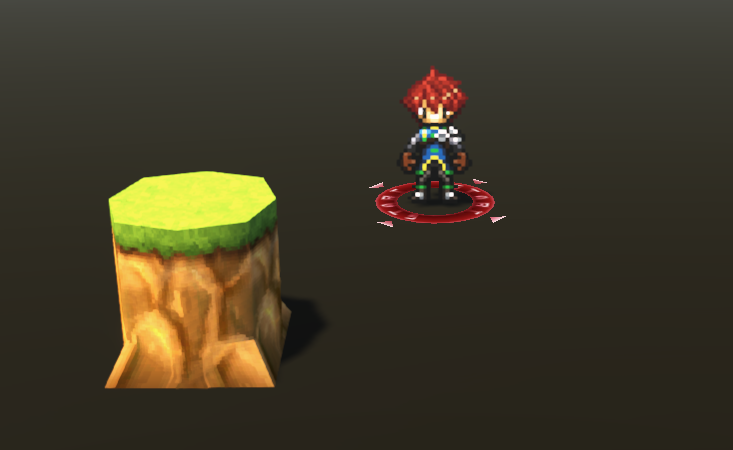
You can select " Terrain," "Stairs," or " Slope" as the type of terrain block.
Stairs and slopes are special terrain blocks that behave more like objects.
The elevation cannot be changed, but the orientation can be changed instead.
In setting up, the texture may be shifted on terrains with only two texture frames.
- Various Textures for Stairs
If you have prepared textures for stairs, specify them here.
- Map Generation Color Type
When using the function to automatically generate a new map from an image data, specify here in advance what color this terrain model is to be assigned.
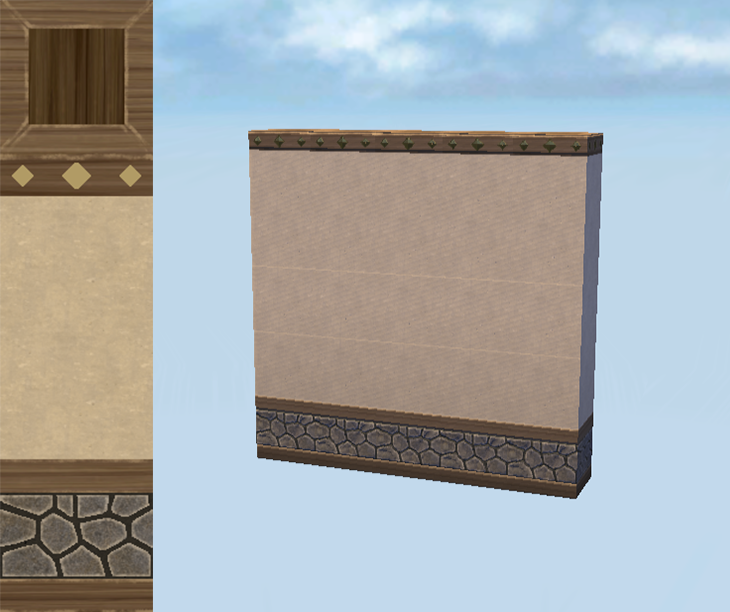
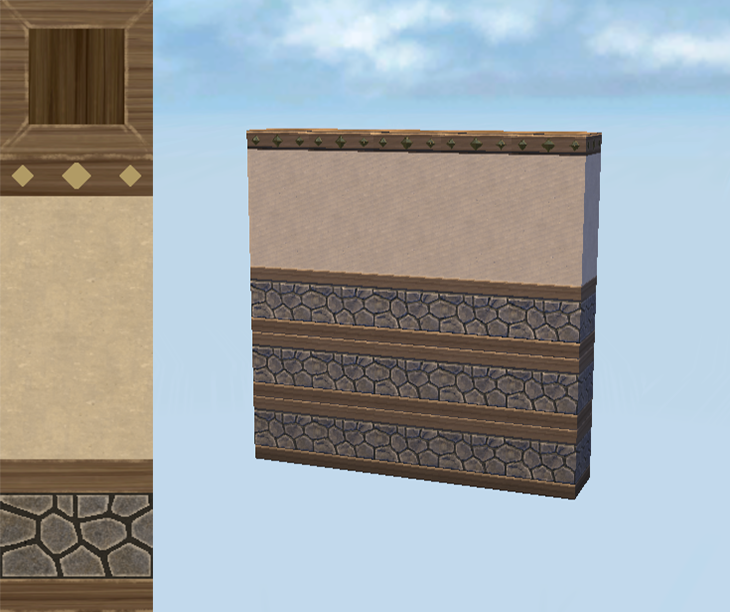
- Repeating Method
Specify how the texture repeats when the elevation is specified.
[Repeat Middle] Repeat the middle texture and do not use the bottom texture.
[Repeat Bottom] If the maximum elevation provided by the texture is exceeded, the bottom texture will be used repeatedly.
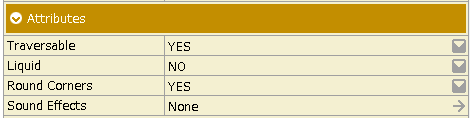
- Traversable
Allow walking on terrain blocks.
- Liquid
It displays the top surface slightly lower than the surrounding ground, like the ocean.
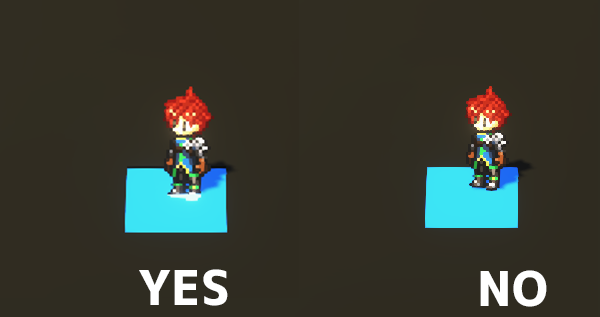
- Round Corners
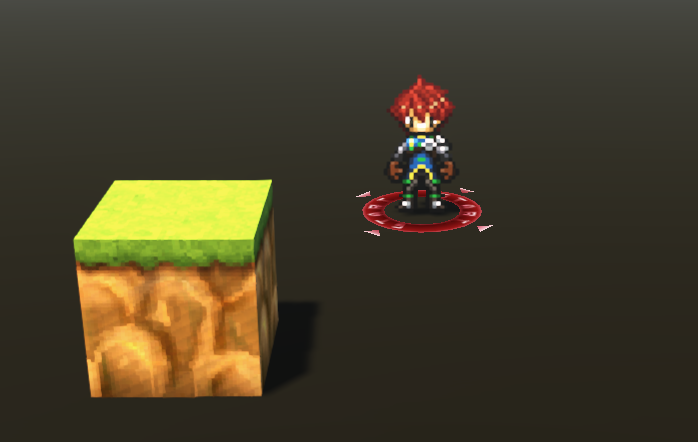
Round the corners of the terrain block.
For natural terrain, specify YES for natural rounding.
Also, for man-made terrain such as blocks or marble, NO will not round the corners.
- Sound Effects
A sound effect can be specified for each terrain.
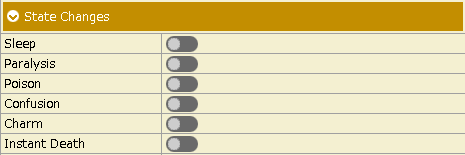
- State Changes
If you want to link the terrain to the condition, click here to turn it on.
(The content of the state changes can be specified in "Database -> State Definitions".)
![[PukiWiki]](./skin/BAKIN_logo_92.png "[PukiWiki]")