![[PukiWiki]](./skin/BAKIN_logo_92.png "[PukiWiki]")
The 3D and 2D stamps in Resources are very important to Bakin.
A "stamp" is essentially a model, motions, materials, etc., all rolled into one for use in the game, and anything placed on maps are "stamps."
For example, a resource in "Models" under "Resources" cannot be placed on maps at this point.
By pressing the "Stamp Button" above the tree column, the model will become a "3D stamp" and will be registered in the stamp palette of the map editor.
By using "stamps," you can link different materials to the same model, or keep the same model and other assets, but change only the additional attributes.
For information on importing 3D stamps, please also refer to the “Specifications of Various Assets” section of this manual > “Objects,” “3D Characters,” and “Assets - Particles.”
For information on importing VRM models, please refer to “VRM Format Models.”
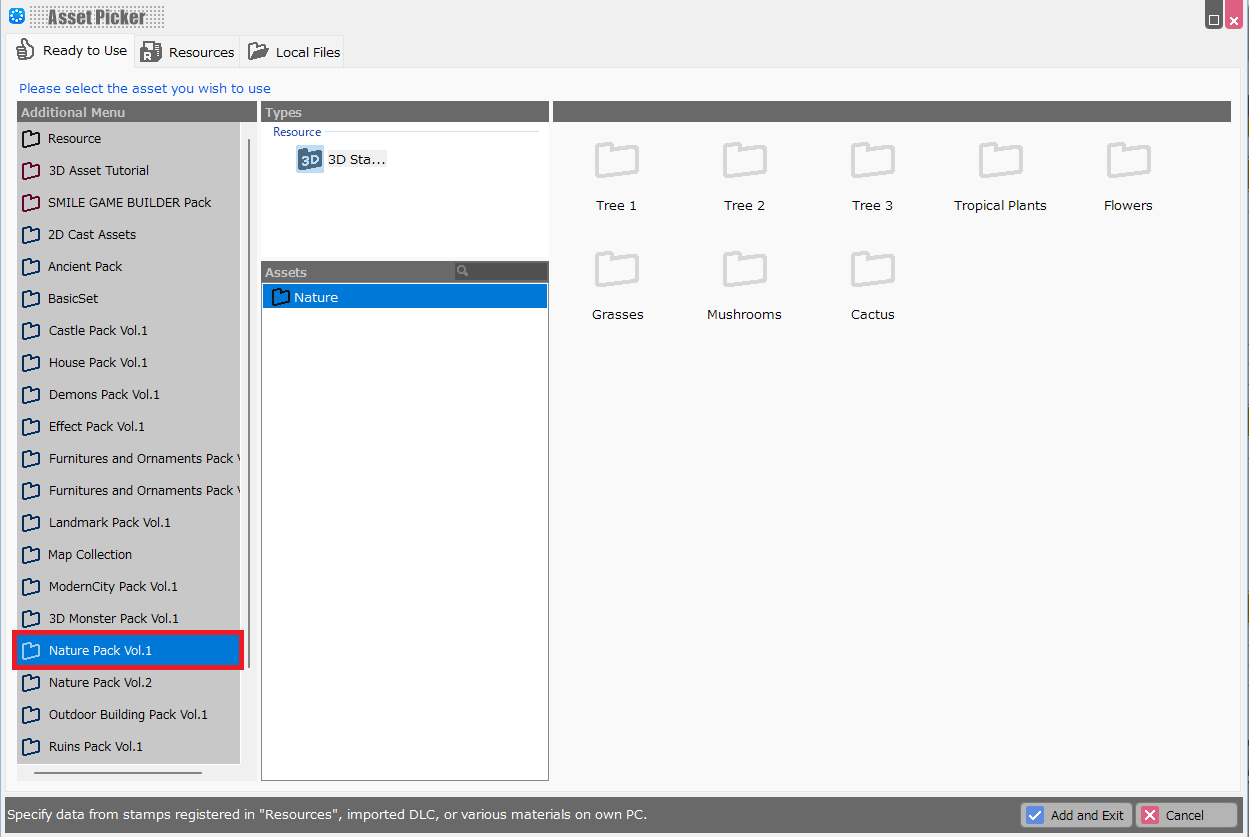
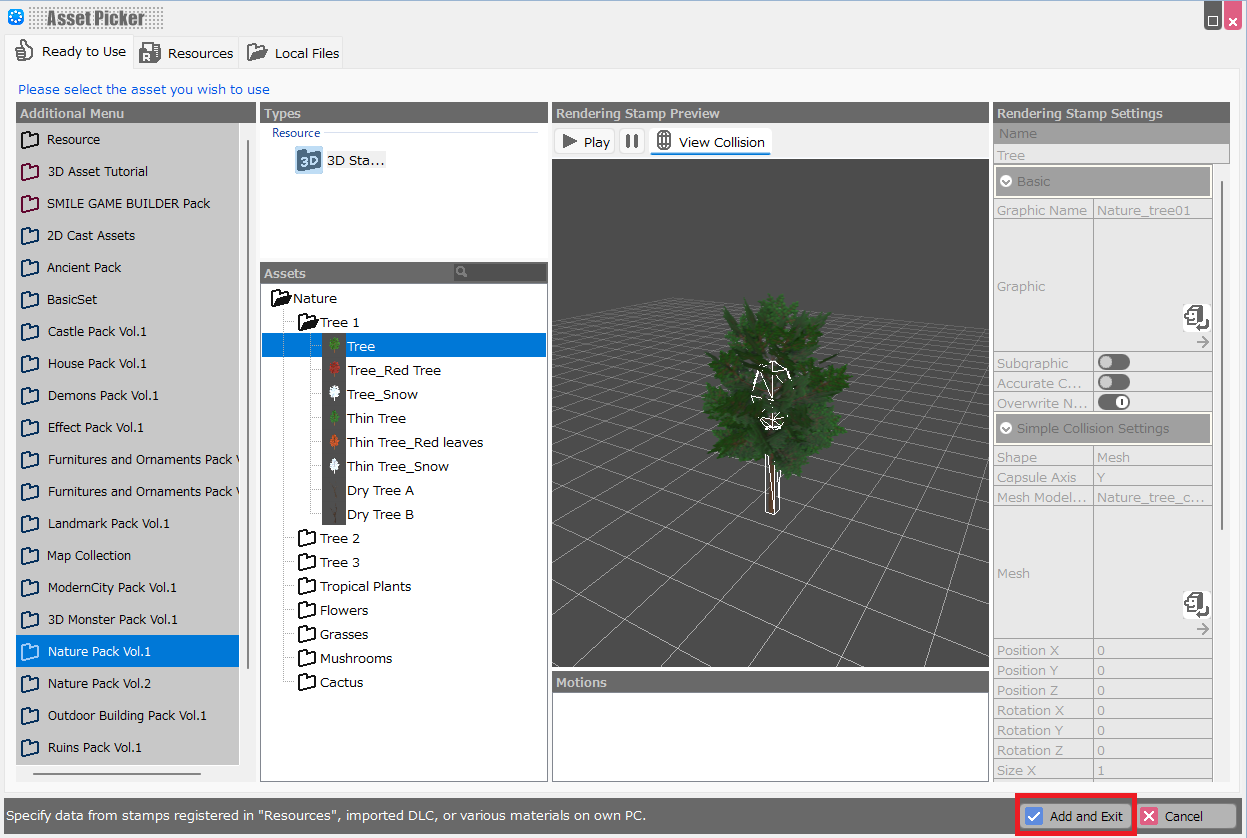
DLC assets obtained from Steam can be imported from the Asset Picker.
The most straightforward way to import is to import "stamps".
In the 3D Stamp Tree, right-click the entries you want to export, then select “Export Selected Elements” from the context menu that appears to export them.
A file with the .exrbr extension will be generated.
.exrbr files contain information about resources—such as models, motions, materials, and textures—and properties associated with 3D stamps.
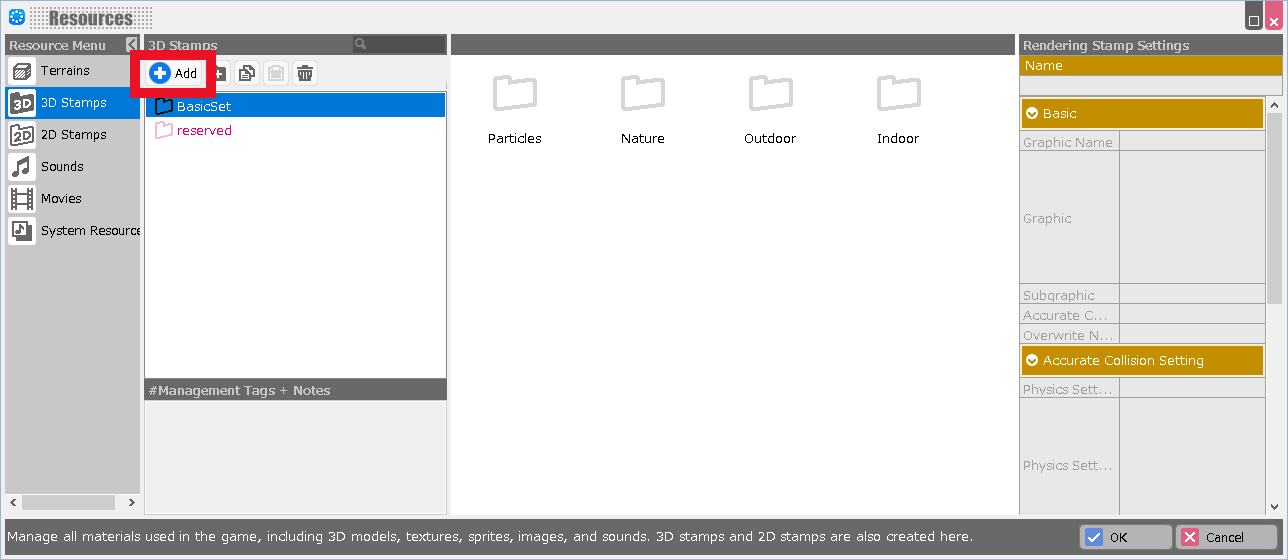
When you click the Add button in the 3D Stamp List and import a .exrbr file, all the values for the included resources and properties are imported.
If you plan to export and publish Bakin resources, please review the RPG Developer Bakin Software License Agreement and the EULA (End User License Agreement) for each DLC on the respective DLC store pages on Steam.


