
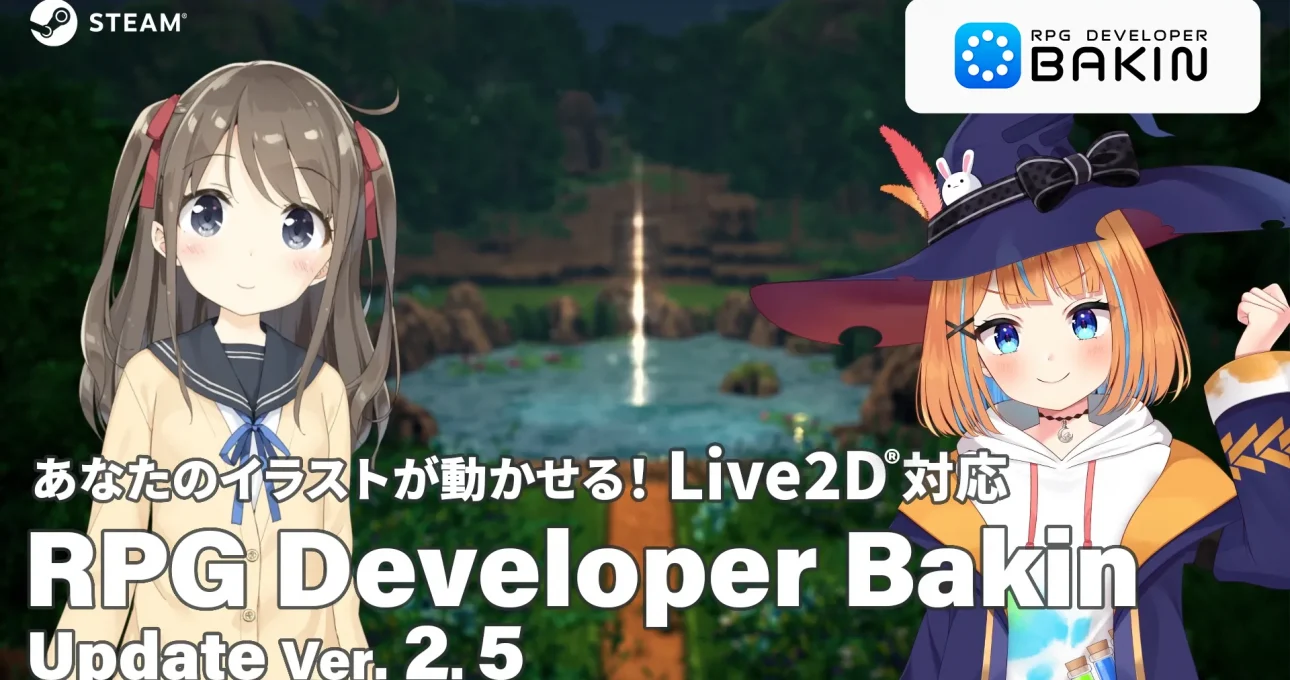
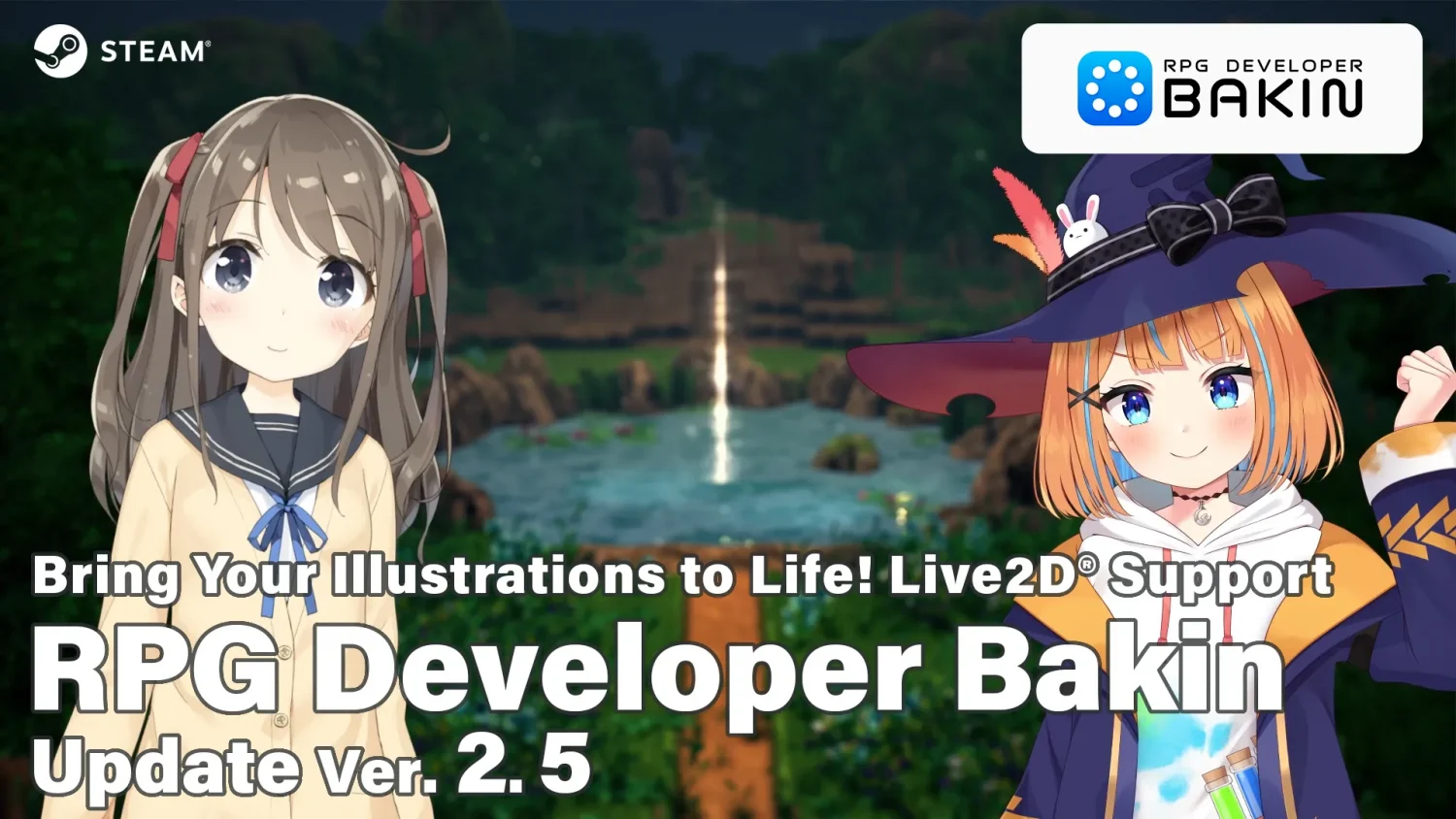
Now supports “Live2D®” for animated illustrations!
Hello everyone!
We’re excited to bring you Major Update Ver. 2.5.
■Support for Live2D (Free DLC)
Users can now import and use Live2D models created with “Live2D Cubism,” the 2D animation creation tool provided by Live2D Inc., directly within Bakin. By bringing characters to life with Live2D, creators can produce more engaging and memorable experiences that leave a lasting impression on players.
Notes:
– This feature is available through the free DLC “RPG Developer Bakin Live2D Toolkit.”
– The DLC includes a sample project as well as sample models provided by Live2D Inc., allowing users to start working with Live2D models immediately after installation.
– Compatible with models exported using SDK 5.0 and Cubism 5.0 or earlier. Models exported with Cubism 5.3 or later are not supported.
“RPG Developer Bakin Live2D Toolkit”
Showcase Video: https://youtu.be/1PYUc7qM79A
Steam Store: https://store.steampowered.com/app/4753800/
■ Shader Resource Management
A new “Shader” category has been added to the Resources menu.
This addition makes it easier to import shaders created by other creators, as well as manage and edit shaders used within a project. By simplifying the integration of custom rendering effects and visual enhancements, the feature helps developers expand the visual capabilities and overall presentation quality of their games.
■ Mouse Pointer Customization
Users can now assign custom images or sprites to the mouse pointer.
When combined with events, the pointer’s appearance can be changed dynamically—for example, when hovering over specific objects or performing drag operations within designated areas. This feature enables a wider range of interactive visual feedback, making it particularly useful for adventure games, point-and-click titles, and other pointer-driven gameplay experiences.
■ Beginner Tutorial Button
A new button has been added, providing direct access to the newly introduced Beginner Tutorial section within the online manual.
The tutorial guides users through the fundamentals of Bakin by building an actual game, covering topics such as map creation, event setup, and boss battle implementation. The content is designed to help new users learn the software step by step and gradually become familiar with its features and workflow.
Additional tutorial content will continue to be added and expanded in future updates.
■ Revised System Requirements
The system requirements for Bakin have been updated to support graphics cards equivalent to or higher than the Intel Arc A580. In addition, the required storage space has been revised to 12 GB.
Note:
While Bakin may run on certain integrated graphics solutions, including Intel Arc Graphics, stability and performance are not guaranteed, and such configurations are not officially supported.
This update also includes numerous feature improvements and bug fixes.
Take this opportunity to challenge yourself and create your own games with RPG Developer Bakin!
For details on other update contents, please check the online manual or go to “Update Log” in the “Info & Tips” section of Bakin’s Top Menu.
We hope that new features, including Live2D support, will broaden the possibilities for your creative projects and inspire you to explore new ideas and forms of expression.
Furthermore, through our beginner’s tutorial, we hope that those just starting out in game development will be able to enjoy creating their own projects with Bakin in a comfortable and accessible way.
We will continue to work hard to improve and expand the features of “RPG Developer Bakin.”